See the risk. Plan the job. Keep the plant running.

Dralvoriq AI reads the signals, emails and work you already have — then shows what is at risk, what to do, and when.

  1. Signal
  2. Case
  3. Plan
  4. Dispatch
  5. Proof
The Maintenance Cockpit

Every signal, work order and asset-risk band on one screen.

Dralvoriq AI pulls in the inbound request, the sensor trend and the inspection finding, matches them to the asset, and shows the critical work, schedule compliance, asset risk and service margin for every job in flight.

Tap the screen to open it full size

Proven business impact & ROIPlant operations benchmark
  • 40%Fewer line stops

    Less unplanned downtime

    Surface high-risk assets before they fail so crews intervene in a planned window instead of an emergency shutdown.

  • 70%From request to plan

    Faster work intake

    Turn emails, PDFs, photos and sensor alerts into structured cases so planners are not re-typing the same request.

  • 12+ hrsLess manual chasing

    Saved per planner each week

    Parts, permits and crew fit are staged against the job, so readiness is visible without a spreadsheet hunt.

  • 3xWithout extra hiring

    Faster signal to work order

    Move a condition finding into an executable package while your team stays on the tools they already run.

One intelligent view of what needs action now.

Why the cockpit mattersProblems surface before production stalls
Leadership and maintenance leads reviewing plant operations
The Nestack Manufacturing Suite

Built for every corner of advanced manufacturing.

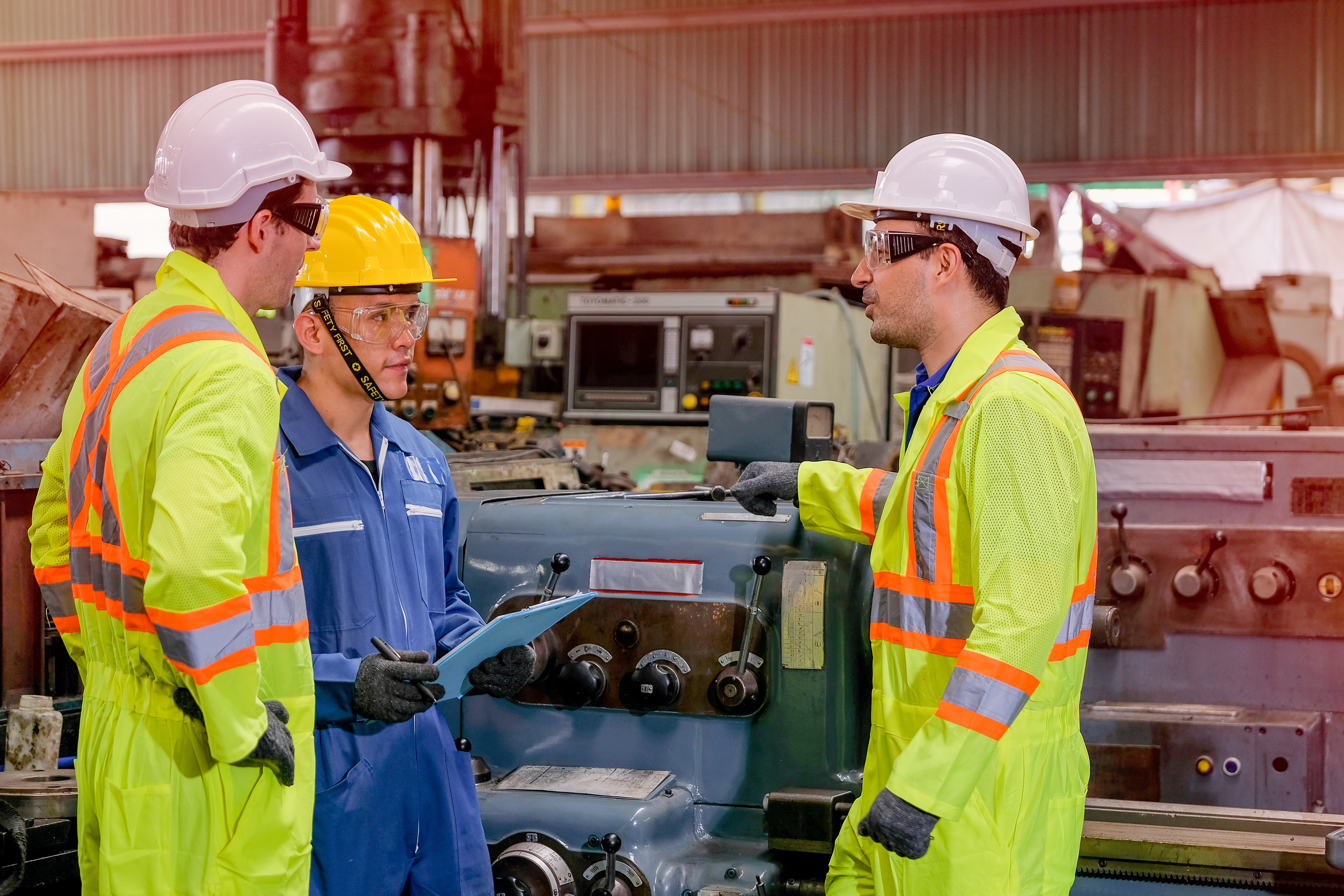
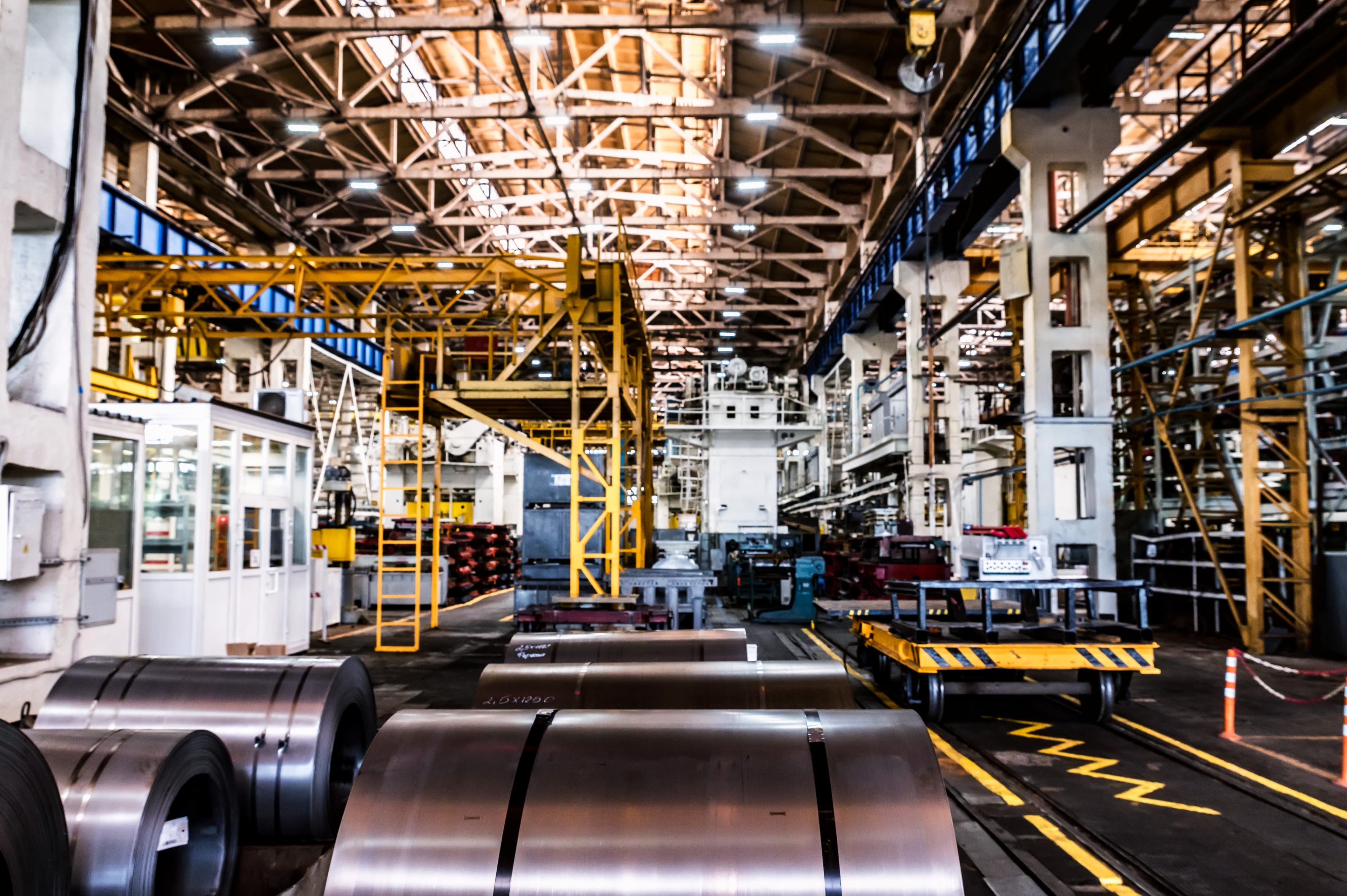
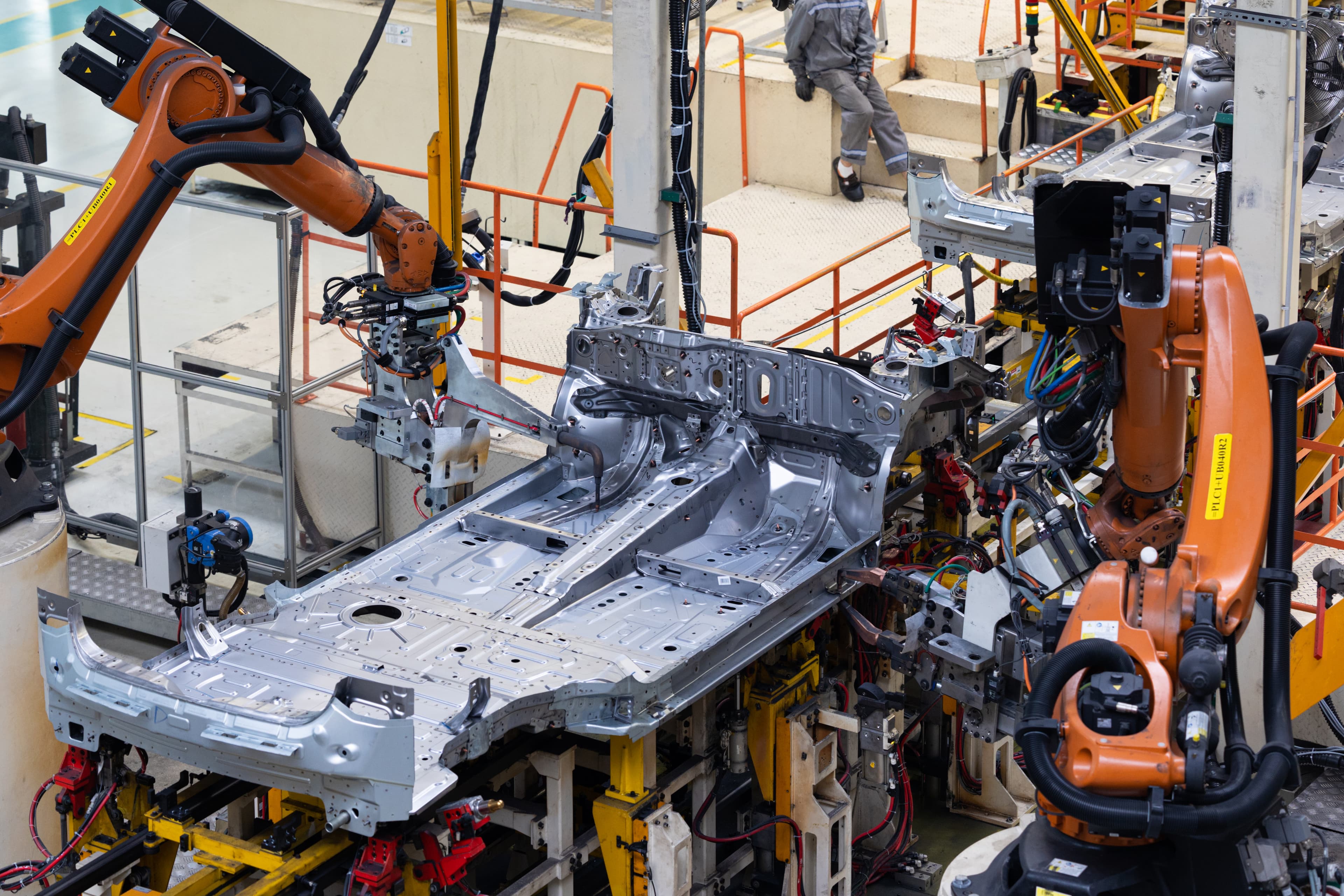
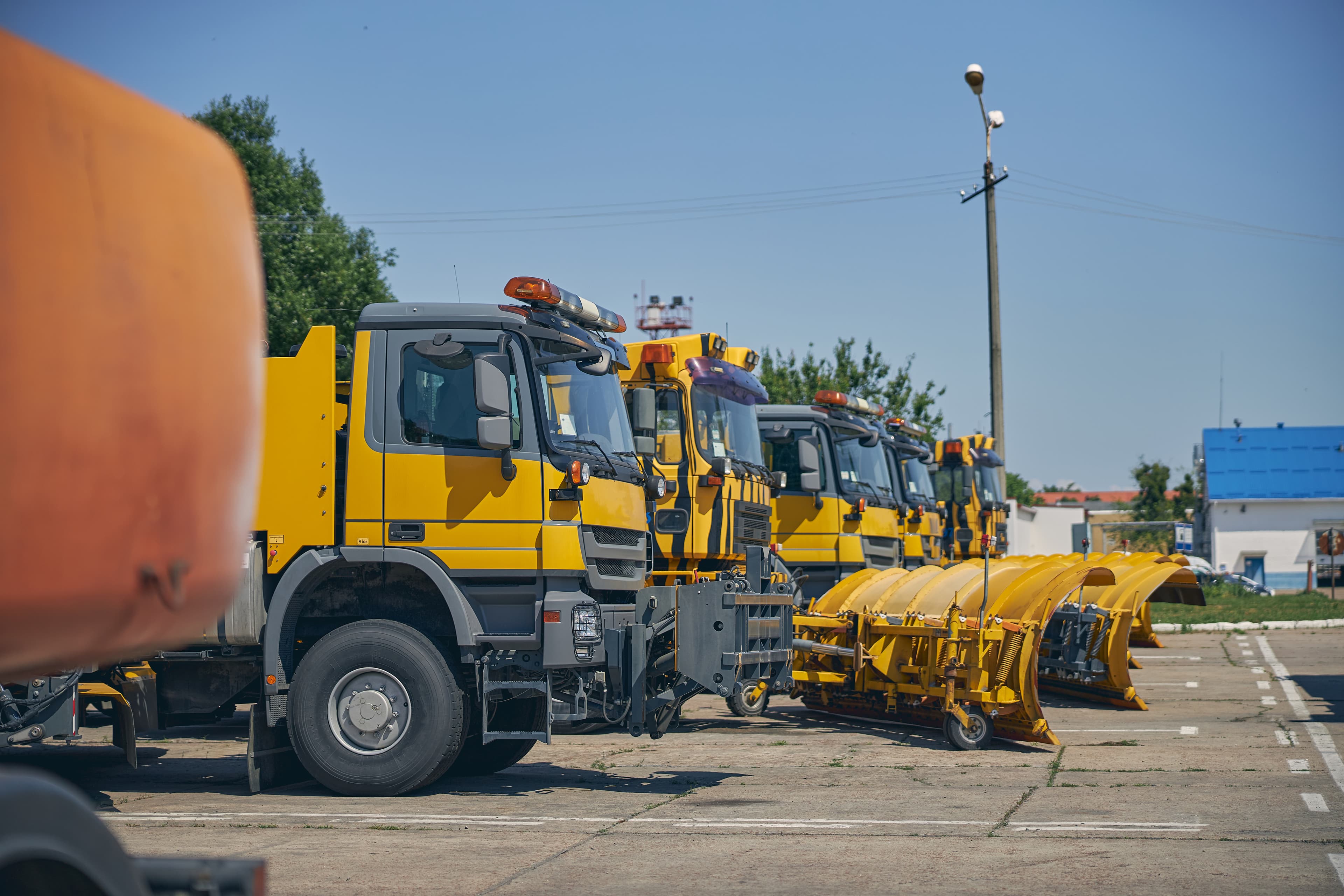
Manufacturing moves differently across every facility — with specialized production lines, heavy mobile equipment fleets, live sensor telemetry, and critical maintenance cycles. The Nestack manufacturing suite is purpose-built to give your teams shared, real-time operational intelligence.

From intake to closeout

One platform. AI that helps each stage of the job.

Each screen shows what AI does for your team at that moment — so work moves with fewer surprises, not extra process.

Start a conversation

Tap the screen to open it full size

AI Intake Review

Stop guessing what the request is asking for.

AI reads the email, PDF or photo, matches it to the right asset, and flags urgency, duplicates and missing detail. Your team confirms a complete case in minutes — not after a round of follow-up calls.

  • Reads the request
  • Matches the asset
  • Flags what is missing

Tap the screen to open it full size

AI Diagnostic Assessment

See failure coming — with time to act.

AI watches vibration, temperature and current against baseline, names the likely failure, and gives a window to intervene. Planners get evidence and a recommended action before the line stops.

  • Detects the anomaly
  • Names the failure
  • Gives a time window

Tap the screen to open it full size

AI Estimate Review

Price the job against what similar work actually cost.

AI checks labor, parts and margin against past repairs and warns when weekend work or a thin contingency will hurt the quote. You send an estimate you can stand behind — not a guess.

  • Builds the cost
  • Checks the margin
  • Compares past jobs

Tap the screen to open it full size

AI Planning Review

Know the job is safe and ready before you approve it.

AI checks the task sequence, parts, tools and duration against similar work. Readiness gates show what is already green — so a plan is not released with a missing step or an unsafe gap.

  • Checks the sequence
  • Confirms parts & tools
  • Shows readiness

Tap the screen to open it full size

AI Materials Intelligence

Do not send a crew to a job that is short on parts.

AI sees reserved, on-order and at-risk stock across sites, and tells you whether to reserve, transfer or buy. Shortages surface while there is still time — not when the technician is already on site.

  • Tracks every part
  • Finds stock elsewhere
  • Warns of shortages

Tap the screen to open it full size

AI Scheduling Recommendations

Put work on a crew only when the week can actually hold it.

AI fits the job to a real crew window, flags missing permits or parts, and keeps schedule compliance in view. You accept a slot because it is feasible — not because it looked free on a whiteboard.

  • Fits the crew week
  • Keeps the slot honest
  • Protects compliance

Tap the screen to open it full size

AI Dispatch Intelligence

Send the right crew — and a backup if delay hits.

AI picks the best available crew for the job, checks parts and certifications, and names a backup if the window slips. Dispatchers release work that is ready, not a blocked ticket that will stall in the field.

  • Picks the crew
  • Checks every gate
  • Names a backup

Tap the screen to open it full size

AI Field Intelligence

Give technicians answers at the pump — not a binder in the office.

AI answers from prior repairs, flags readings that are out of range, and keeps procedure, photos and progress on the tablet. Crews finish the step correctly the first time, even when the plant network is weak.

  • Answers on the job
  • Flags bad readings
  • Captures the evidence

Tap the screen to open it full size

AI Service Report

Close the job with proof the customer can use.

AI drafts the field report from photos, measurements and parts used, and shows estimate versus actual. Approval, customer send and invoice-ready close happen from one pack — not a week of chasing notes.

  • Writes the report
  • Compares estimate vs actual
  • Ready for the customer
Traditional SaaS vs Dralvoriq AI

Don’t settle for the AI your software chose.

Most legacy platforms ship one bundled model and you work inside its limits. Dralvoriq AI puts an intelligent orchestration layer between the plant signal and the model, so every stage of a maintenance package runs on the intelligence that suits it best.

Traditional SaaS
Built-in
AI

One rigid model, one generic pass, and no step you can point to a domain-specific model.

You work within its limits.

Dralvoriq AI · Routed Maintenance Orchestration8 Frontier & Specialist Models
  • 01

    Read scanned work requests & OEM manuals

    Layout-aware OCR extracts technical tables, schematic callouts, and handwritten shift notes that general-purpose models flatten into prose.

    MistralDocument AI / OCR
  • 02

    Classify fault types & equipment groups

    A fine-tuned classifier categorizes mechanical, electrical, and pneumatic issues across your taxonomy at a fraction of frontier token costs.

    Hugging FaceInference Providers
  • 03

    Process multi-year asset telemetry in one pass

    Long context holds decades of overhaul logs and vibration histories, so a bearing replacement in 2021 contextualizes today's vibration spike.

    GeminiGemini API
  • 04

    Extract into your CMMS & ERP schema

    Constrained decoding against strict enterprise schemas ensures work order line items land cleanly in SAP PM, IBM Maximo, or Fiix.

    OpenAIResponses API
  • 05

    Draft the Job Safety Analysis & isolation steps

    Maintains regulatory structure across thousands of procedures, citing exact OSHA LOTO steps and NFPA arc flash boundaries for lead techs.

    ClaudeAnthropic Messages API
  • 06

    Score failure risk & calculate urgency

    High-throughput reasoning models calculate degradation curves twice to cross-check anomaly flags before raising priority to critical.

    DeepSeekDeepSeek API
  • 07

    Match OEM part numbers & alternates

    Fuzzy part matching is a vector retrieval problem, not generative chat — embeddings and cross-encoders identify compatible substitute seals.

    CohereRerank + Embed
  • 08

    On-prem vibration monitoring in your plant VPC

    Open-weight models execute inside your own plant SCADA or private cloud boundary, keeping sensitive operational parameters strictly on-premises.

    LlamaSelf-hosted in your VPC
One ready-to-run maintenance work order100% parts staged · permits verified · certified crew assigned

Note: Model and product names are trademarks of their respective owners, used here to describe what runs where. Routing is configurable per workflow — no endorsement or partnership is implied.

Autonomous MRO Lifecycle · 3-Stage Pipeline

From signal to ready-to-run maintenance work.

How Dralvoriq AI orchestrates inbound anomalies, plans procedures, and validates readiness before technicians step onto the floor.

01Phase 01
Signal Ingestion & Intake Triage

Every signal lands as one case

Dralvoriq AI pulls in the service email, the portal request, the inspection finding and the sensor anomaly, matches each to a real asset, and opens a structured case — with the source document, extracted fault and an AI match-confidence score attached.

  • SCADA & sensor streams
  • Email & portal intake
  • Asset entity resolution
02Phase 02
Predictive Planning & Parts Scoping

The model plans the job

Condition monitoring turns vibration, temperature and oil trends into risk-banded work candidates; planning assembles the tasks, parts, permits and certified crew each job needs; the AI Operations Brief expedites the critical jobs that lack parts and slots predicted bearing failures into the same outage.

  • Failure horizon forecasting
  • BOM parts staging
  • LOTO & safety permits
03Phase 03
Gated Dispatch & Closed-Loop Verification

Ready work goes out — evidence comes back

Scheduling places jobs into feasible outage windows and dispatch releases only the ones that pass every readiness gate. Crews run the procedure in the field workspace, capture measurements and evidence, and closeout turns it all into a customer-ready service report.

  • Readiness gate checks
  • Offline mobile SOPs
  • Audit-ready evidence
Compliance

Compliance & Standards Support

Configurable workflows, controls and audit evidence to help organizations manage applicable maintenance, safety and asset-management requirements.

  • OSHA 29 CFR 1910.147

    OSHA Hazardous Energy (Lockout/Tagout)

    Dralvoriq AI drafts LOTO isolation packages with equipment-specific steps, holds work behind permit and authorized-worker gates, and captures the verification and sign-off record against each job.

  • NFPA 70E

    NFPA 70E Electrical Safety

    Job Safety Analysis drafts cite NFPA 70E arc-flash boundaries alongside the isolation steps, and electrical work stays gated on permit and certification checks until a crew is released to it.

  • ISO 55001:2024

    ISO 55001 Asset Management

    Asset risk scoring, maintenance decisions and schedule-compliance records give your organization operational evidence for the planning, operation and performance-evaluation clauses of an ISO 55001 asset-management system.

Note: Dralvoriq AI is not a certification and does not make an organization compliant. These are standards the platform supports operationally: it drafts the procedures, holds the gates and retains the records your own EHS, reliability and safety engineering processes depend on. Conformance assessment, audit and certification remain yours.

Add-ons

Add the hardware your workflow needs.

Most of what Dralvoriq AI reads begins on physical machinery and equipment on your plant floor. These are standard industrial peripherals and sensors, not proprietary locked hardware — each one is listed with the link it speaks over and the module that consumes its output.

  • Wireless Vibration & Temperature Sensor Tag

    A magnetic-mount BLE accelerometer that clips directly onto motor, pump, or gearbox housings. Streams triaxial vibration RMS and surface temperature readings into your live condition telemetry.

    Link
    BLE 5.0 → MQTT
    Feeds
    Condition Monitoring
    Needs an edge gateway to bridge BLE to MQTT
  • Handheld Rugged Barcode & 2D QR Scanner

    A drop-tested IP65 scanner for equipment nameplates, valve tags, and staged part bin barcodes. One scan opens the active work order in the technician workspace without searching through databases.

    Link
    Android Enterprise → REST
    Feeds
    Materials & Execution
  • Industrial IoT Edge Gateway & Protocol Hub

    A DIN-rail mount gateway that bridges Modbus TCP, OPC-UA, and RS-485 serial buses from plant PLCs into the platform, caching telemetry locally during network dropouts.

    Link
    OPC-UA · Modbus TCP · RS-485 → MQTT
    Feeds
    Condition Monitoring

Note: Hardware, installation, and integration are not included in the standard subscription. Additional charges apply based on the hardware selected, integration modules required, and implementation scope.

Connectivity

Your whole stack, connected.

SAP, IBM Maximo, AVEVA PI, Kepware, Snowflake, and Microsoft Teams — and the rest of what your facility already runs on. Over 24 enterprise integrations across the maintenance lifecycle, every one reading the tool’s own official, documented public API.

Dralvoriq AI Supported API Integrations

ERP & Asset Master Data — Intake & Inventory Sync

  • SAP S/4HANA, via SAP Business Accelerator Hub / OData
  • Oracle Fusion ERP, via SuiteTalk REST Web Services
  • Microsoft Dynamics 365, via Dataverse & Supply Chain Web API
  • Infor CloudSuite Industrial, via Infor ION Integration API

CMMS & Enterprise Asset Management (EAM) — Planning & Work Orders

  • IBM Maximo, via Maximo Integration Framework (MIF) REST API
  • Fiix by Rockwell, via Fiix REST API
  • UpKeep, via UpKeep REST API
  • MaintainX, via MaintainX Developer REST API

Historian, SCADA & Industrial IoT — Condition Monitoring & Telemetry

  • AVEVA PI System (OSIsoft), via PI Web API & OMF
  • Kepware KepServerEX, via ThingWorx & IoT Gateway REST
  • Ignition by Inductive Automation, via WebDev Module REST API
  • AWS IoT SiteWise, via SiteWise Data Ingestion API

Condition Monitoring & Hardware Gateways — Vibration & Oil Analysis

  • Fluke eMaint, via eMaint API Services
  • Banner Engineering, via Banner Cloud & Pulse API
  • SKF Enlight Centre, via SKF Cloud Telemetry API

Operational BI & Enterprise Warehouses — Reporting & Reliability Analytics

  • Microsoft Power BI, via Power BI REST API
  • Tableau, via Tableau REST & Hyper API
  • Snowflake, via Snowflake SQL REST API

Messaging, Documents & Shift Collaboration — Field Execution & Dispatch

  • Microsoft Teams, via Microsoft Graph API
  • Slack, via Slack Web API
  • SharePoint & OneDrive, via Microsoft Graph Drive API
  • Box, via Box Content & Files API

Note: Tool names and marks belong to their respective owners. No endorsement or partnership implied.

Pricing

One plant. One number.

No per-seat arithmetic, no module gates, no surcharge for the technician who only checks the daily work order queue. The whole platform, one flat monthly figure, set from the Nestack admin.

Starting at
$200/mo

One flat monthly figure for the whole platform. Talk to us about seats, sensor connector setup and onboarding for your facility or enterprise fleet.

Know more
  • Every module on the platform, with no tiers
  • Intelligent work request intake for emails, PDFs, and sensor anomalies
  • Continuous condition monitoring across all plant assets
  • Automated job planning, JSA safety drafts, and LOTO isolation packages
  • Materials staging, stock reservation, and expedite alerts
  • Scheduling and field dispatch with certified crew verification

Note: AI API usage is charged separately. Clients must recharge their AI credit balance based on their usage.

Onboarding

What your onboarding fee covers

A one-time setup that gets your plant lines live on Dralvoriq AI before your first bill: we import your equipment register and spare parts BOMs, connect the SCADA, CMMS and ERP systems you already run, and calibrate the risk model against your own operational history. Fees below are starting points — final scope depends on your plant environment, integrations, and fleet scale.

Essential

$1,000+one-time
  • Kickoff and maintenance-workflow scoping call with your reliability leads
  • Workspace provisioning with planner, scheduler, and technician roles
  • One intake channel connected — email, portal, PDF or inspection form
  • Your asset hierarchy and equipment register imported and tagged
  • Condition monitoring signal sources mapped to assets and thresholds
  • Readiness gates and risk-band rules configured for the plant schedule
  • Permit templates set up — LOTO, hot work, permit to work, confined space
  • Live-readiness check on a sample work order before your first billing cycle

Plus

Recommended
$2,500+one-time

Everything in Essential, plus:

  • All inbound channels wired — email, portal, PDF, photo and inspection findings
  • Guided import of 12 months of past work orders, downtime logs and findings
  • Two integrations connected — your CMMS, ERP or historian (AVEVA PI, Ignition)
  • Failure-mode taxonomy aligned to ISO 14224 and your reliability library
  • Live planner and technician training sessions with team recordings
  • Dedicated onboarding specialist through final plant go-live

Enterprise

$5,000+one-time

Everything in Plus, plus:

  • Multi-site rollout across enterprise fleet facilities with per-plant rate books
  • Bespoke integrations plus custom REST API and corporate SSO configuration
  • Bulk migration of multi-year work-order history, cleansed and reconciled
  • Role-based training tracks for planners, schedulers, technicians and safety leads
  • Reporting and audit workflows aligned to EHS and corporate reliability KPIs
  • Named onboarding manager with a guaranteed go-live milestone
Where it runs

Two ways to deploy — same platform, same subscription

Run Dralvoriq AI wherever your equipment telemetry, drawings, and work order data are allowed to live. The subscription price is identical either way.

Cloud (SaaS)

Runs in Nestack’s managed cloud — nothing to provision. The fastest way to get your maintenance triage and scheduling live and clearing backlogs.

Private / self-hosted in your plant VPC

The same platform deployed inside your own OT infrastructure, private cloud or on-prem cluster for facilities with strict data sovereignty and air-gapped security requirements.

Sister platform — Nestack Agent Care

Your Industrial & Advanced Manufacturing AI agents, run like production systems.

Telemetry, evaluations, safety guardrails, technician review, and an engineering crew on call when one of them flags an unverified isolation at 3am.

  • 34Failure modes catalogued
  • 12Rated SEV-1
  • 2,150+Baseline eval cases
  • 24/7Agent monitoring

Pinned to the Industrial & Advanced Manufacturing agent playbook — not a generic agent checklist.

FAQs

Frequently asked questions

Cost, what a subscription includes, how fast you can start, and how Dralvoriq AI works with the systems you already run.

Connect with our team
What does Dralvoriq AI cost?

Pricing depends on the size of your operation, number of sites/assets, and the level of AI coverage you need. We can scope the right subscription around your plant rather than forcing you into a one-size-fits-all package. Talk to us for a plan and deployment estimate.

What will we actually get from a Dralvoriq AI subscription?

Dralvoriq AI turns operational and maintenance signals into prioritized actions—helping your team focus on the work that matters most, reduce avoidable downtime, and make better decisions without replacing the systems your plant already relies on.

How quickly can we start using it?

You don't need to overhaul your plant to get started. Dralvoriq AI is designed to work with the operational data and systems you already have, allowing teams to start with a defined use case and expand once the value is proven.

Do we have to replace our CMMS, SCADA, or existing systems?

No. Dralvoriq AI is designed to work alongside your existing plant systems. The goal is to add an intelligence layer to the information you already have—not force your team to abandon the tools they depend on.

How do we measure the business value?

Start with a measurable operational problem—such as maintenance prioritization, downtime, work-order efficiency, or asset performance. The value can then be evaluated against operational metrics rather than relying on an AI “score” alone.

How do we know the AI won't make the wrong decision?

Dralvoriq AI is built to support operational decision-making, not remove human accountability. Your team can review recommendations and retain control over what gets acted on, particularly where safety, maintenance, or production decisions require human approval.

What support do we get after we subscribe?

Your deployment can include onboarding, integration guidance, configuration support, and assistance as your team begins using the system. The exact level of support depends on the subscription and deployment scope.